 |
 |
|
|
|||||||


| E-books The best resources for ebooks . download free ebooks . |
 |
|
|
Thread Tools | Display Modes |
|
|
|
|
|
|||||||
| E-books The best resources for ebooks . download free ebooks . |
|
|
|
Thread Tools | Display Modes |
|
#1
 08-22-2012, 05:27 PM
|
|||
|
|||
 Microsoft Server Virtualization Training 70-659 by Ed Liberman
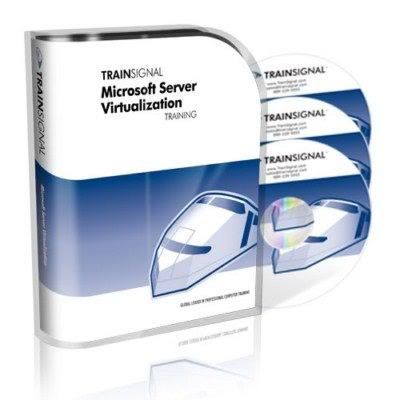 TrainSignal - Microsoft Server Virtualization Training 70-659 by Ed Liberman English | h264, yuv420p, 800x600, 15.00 fps | aac, 44100 Hz, stereo | 1.01 GB Genre: Video Training Among the advantages of Microsoft Server Virtualization are reduce workforce and cost savings due to lesss managing, less space, and less kilowatts. In our training course, Ed Liberman goes beyond the basics to teach you how to use Hyper-V and Systems Center Virtual Machine Manager like a pro. Microsoft Server Virtualization Training - Course Outline Lesson 1 - Getting Started with Microsoft Server Virtualization Training Lesson 2 - Lab Setup Lesson 3 - The Course Scenario Lesson 4 - Introduction to Microsoft Virtualization and Virtualization Management Lesson 5 - Installing the Hyper-V Role on Windows Server 2008 R2 Lesson 6 - Working with Virtual Hard Disks and Virtual Machines Lesson 7 - Introduction to System Center Virtual Machine Manager 2008 R2 Lesson 8 - Installing System Center Virtual Machine Manager 2008 R2 Lesson 9 - Managing Hosts in Virtual Machine Manager 2008 R2 Lesson 10 - Managing VMs in Virtual Machine Manager 2008 R2 Lesson 11 - Performing Physical-to-Virtual Conversion Lesson 12 - Performing Virtual-to-Virtual Conversion Lesson 13 - Virtual Machine Manager Library Lesson 14 - Installing the VMM Self-Service Portal Lesson 15 - Overview of Remote Desktop Services (RDS) Lesson 16 - Configuring Remote Desktop Services Load Balancing Lesson 17 - Configuring RemoteApp Lesson 18 - Configuring Remote Desktop Gateway Lesson 19 - Configuring Remote Desktop Services Client Connections Lesson 20 - Configuring the Offline Virtual Machine Servicing Tool Lesson 21 - Virtual Machine Backup and Recovery Lesson 22 - Monitoring Virtualization Lesson 23 - Implementing High Availability for Server Virtualization Lesson 24 - Preparing for Your Windows Server 2008 R2, Server Virtualization (70-659) Certification Exam Lesson 25 - Next Steps 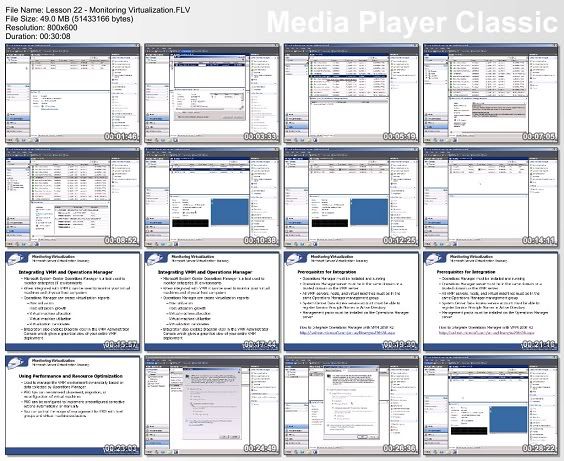 Important: Buy premium account for high speed and parallel downloads! Check my account for new interesthing things ! Please say Thank You if you liked my post !  Link : Code:
http://netload.in/dateiAV96QvmW6h/TrainSignal.z01.htm http://netload.in/datei24zutTp2A5/TrainSignal.zip.htm Code:
Lucaciu 
|
|
| Bookmarks |
| Thread Tools | |
| Display Modes | |
|
|


 Linear Mode

