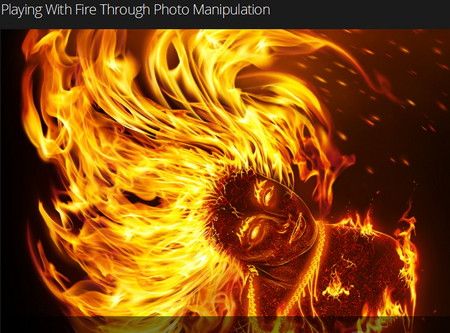
 Digital Tutors - Playing With Fire Through Photo Manipulation 2013
We'll begin this process by examining our original photo and walking through some specific steps to prepare it before blocking in any photographic elements or textures. Following this we'll examine an image of some flames and explore how we can weave various parts of these flames into our photo using free transform and layer masks in photoshop.
From there we'll also examine and adjust a texture that we plan to clone onto our photo to create the illusion of molten cracked skin. Finally, we'll finish by painting in some final details with our brush tool and make our image pop by adjusting it with an adjustment layer.
By utilizing the methods and techniques in this course, you'll be able to push your own photo manipulation projects involving fire to a whole new creative level while having a lot of fun.
Format: avi
Language: English
Size: 1.55 GiB
Hoster: Uploaded

Code:
http://ul.to/nw1g62ci
http://ul.to/4be05hdx
http://ul.to/20ch73mz
http://ul.to/q0uaerpe
http://ul.to/9fjcqro3
http://ul.to/vsiuhyob
http://ul.to/ltnzl4y5
http://ul.to/q3c3wcfk




 09-20-2014, 08:33 AM
 Digital Tutors - Playing With Fire Through Photo Manipulation


 Linear Mode

