 |
 |
|
|
|||||||


| Mobiles Softwares share here your softwares for mobiles |
 |
|
|
Thread Tools | Display Modes |
|
|
|
|
|
|||||||
| Mobiles Softwares share here your softwares for mobiles |
|
|
|
Thread Tools | Display Modes |
|
#1
 05-16-2009, 04:55 PM
|
||||
|
||||
 Nokia Multiscanner v1.1.8 S60v3 [Updated]
Nokia Multiscanner v1.1.8 S60v3 [Updated]
Nokia Multiscanner today provides business card reading and document scanning on the new Nokia E71 and Nokia E66. In the near future, Nokia Multiscanner will become the translator in your pocket During your trips abroad, have you ever found yourself in a situation where you feel lost and uncertain due to a language barrier? Imagine you travel to China and are sitting in a restaurant in Beijing staring at a Chinese menu with no idea what the characters mean. Or you're stood on a platform on Moscow's underground trying to get your bearings trying to work out where you are and to where you want to get to. Soon these worries will belong to the past. By simply pointing your mobile at the text and taking a photo your Nokia Multiscanner will translate the text and display the text in your chosen language. Walkthrough review of the application. First lets take a look at the Card reader application,even with the default settings it does come up with satisfactorily good Optical character reading capabilities,most of the time you'll get accurate text output. The only problem you'll face is when there are logos and other symbols in the card it might tend to read them mistakenly for text. So for this and false output results of the Text Reader that I mentioned in my last post, the solution is there in the settings menu, all you have to do is set the Layout Adjusting option on.
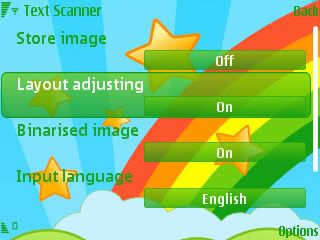 What does this do?, you won't notice the huge difference it makes until you capture a snapshot of a text field or a Business card. But when you start using the application with Layout Adjusting on,as soon after you scan something, you'll be prompted into a snapshot of the text field and on top of it a dotted box marquee with three circles (Vertices),two at the edges opposite to each other and the other one in the middle, by dragging the ones at the edges you can scale and with the middle one you can move the box selecting the text area to be recognized,making it easier to the application to read only the required field. See how it recognize the text areas in Cards and allows us to edit the area accordingly, 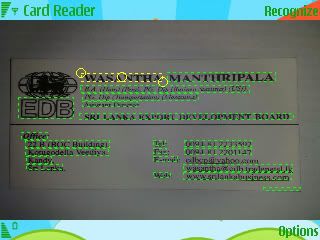 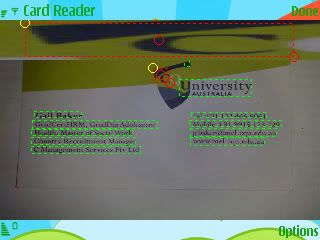 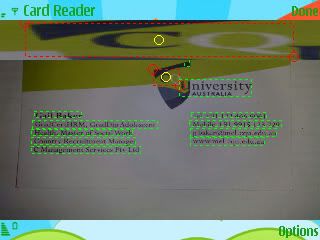 check out the above screenshots to see clearly the amount of maneuverability offered in Layout Adjusting. And the Results of the 2 Business cards I tried to read are shown below,The original card and the extracted data respectively, Card 1 : 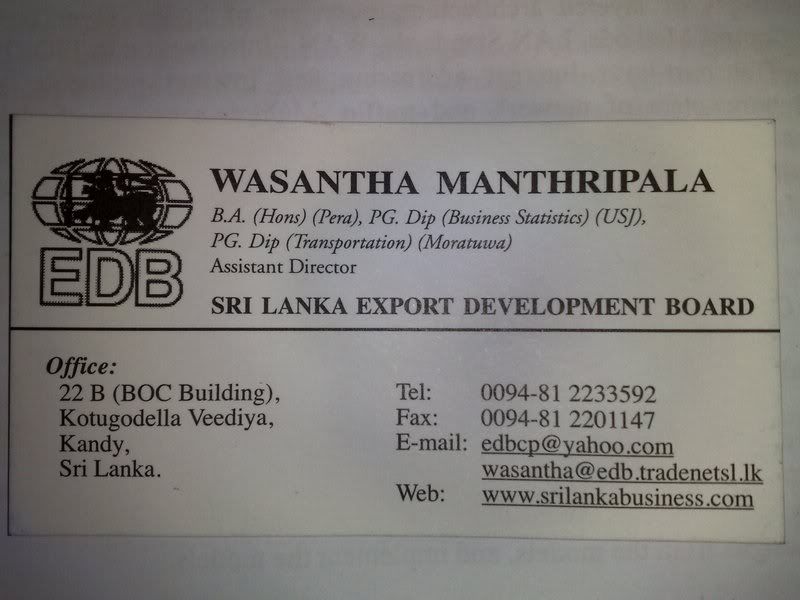  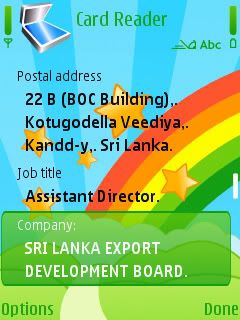 Card 2 : 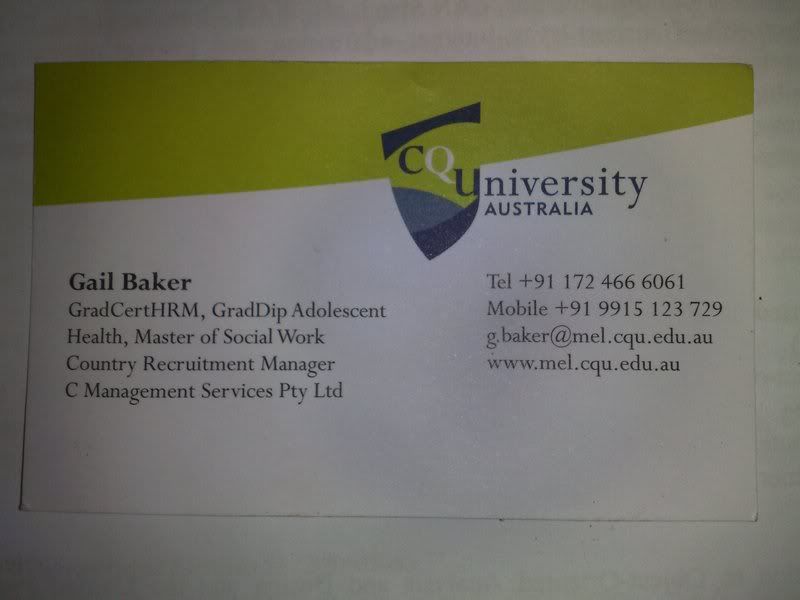 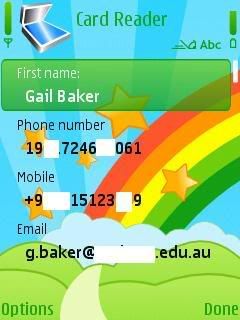 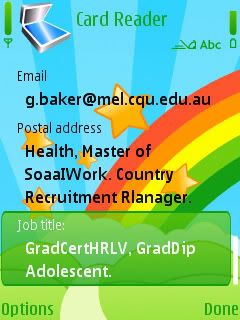  The reading capabilities are amazing and they can be added to the contacts in an instance. The best thing that you get with the Layout Adjusting is that you can even read the letters in logos as demonstrated above. And now the Text Reader,same procedure applies and the yielded result can be saved as a note or either sent as a message.See the screenshots below of an article I scanned and tested. Original Document : 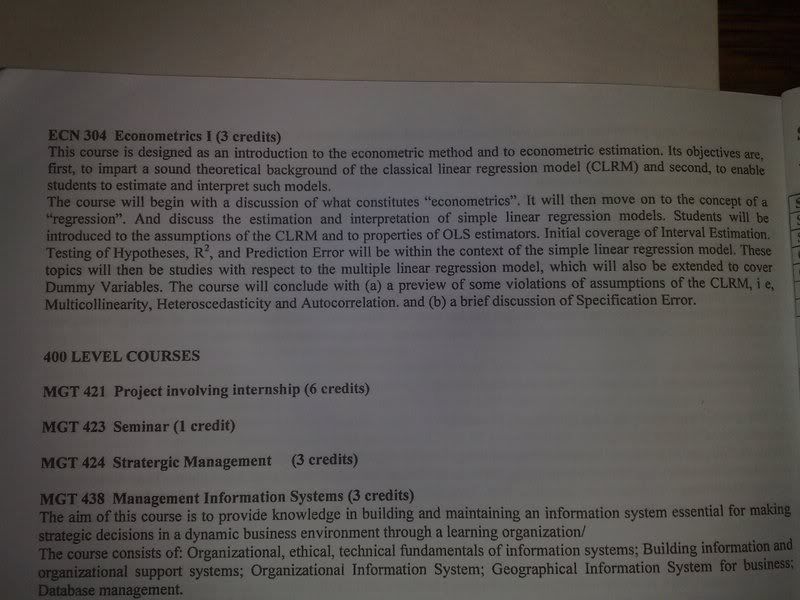 Result, Without the Layout adjusting on,Some characters arent pick correctly. 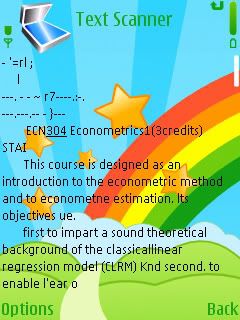 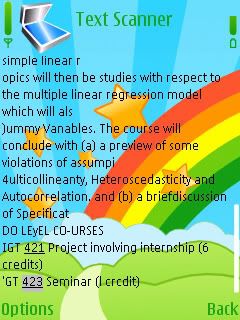 Result, With the Layout Adjusting on. 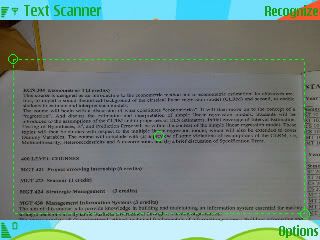 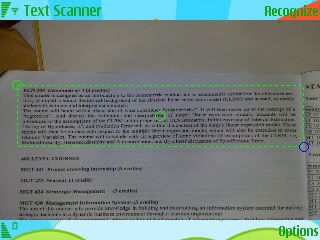 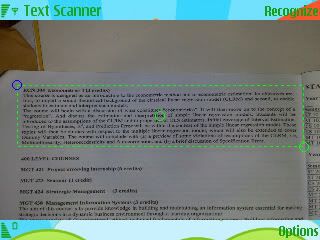 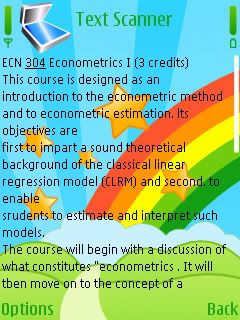 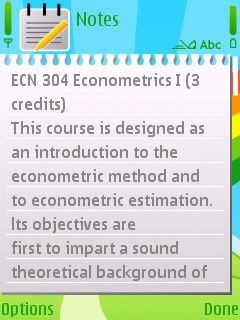 See how it extracts the text as it is,
__________________
Download last Game of Battle Royal [Only Registered users can see links . Click Here To Register...]|Are you fan of [Only Registered users can see links . Click Here To Register...] this Horror game for you. 
|
|
| Bookmarks |
| Thread Tools | |
| Display Modes | |
|
|


 Linear Mode

