Play
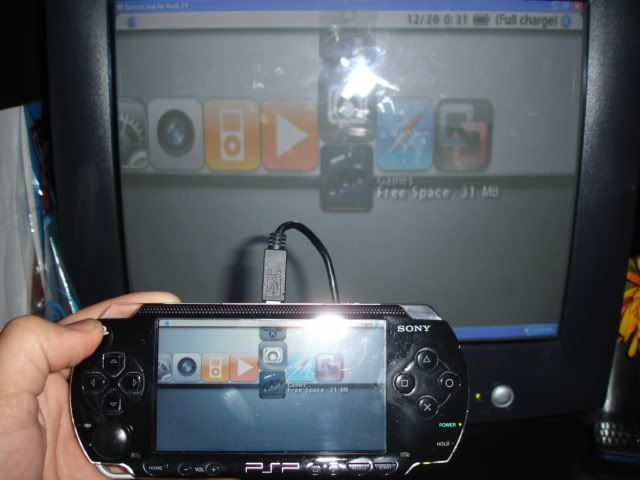
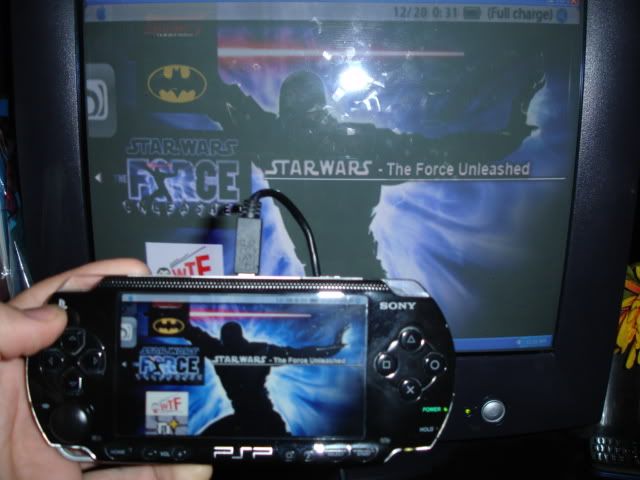
your PSP through on your
PC monitor with this little jem. All you need is a
USB cable and a PSP with 5.00M33 cfw. Included in the download is a pretty easy tut for installation. Only one drawback, no sound through the usb, have to connect your own speakers or use the PSP's.
How to install:
1a. Unzip, then copy the "seplugins" folder to your PSP.
1b. Turn your PSP off and turn it back on while holding R to get into Recovery, then enable the RemoteJoyLite plugins.
2. Get out of Recovery and start up your game. (make sure you have your USB cable connected to your PSP and computer)
3. Windows should popup and say it found new hardware. Go through the wizard until you get to an option to specify driver location. Tell the wizard to look in one of the "drivers" folder.
4. After Windows has successfully installed the driver go in the "GUI" folder then double click RemoteJoyLiteE.exe
(Note: if you have Vista you may need to right-click and select "Run as Administrator")
Tips:
*Set your PSP's CPU speed to 333 MHz
*Disable other plugins



 08-08-2009, 01:01 PM
 Unnoficial Gpsp Kai




 Linear Mode

